

Esvon Classifieds - FAQ


 |
* Price includes single-domain lifetime license and 1 year of free access to new software versions.
|

|
||||||||||||||||||||||||||||||||||||||||

1. What is Esvon Classifieds?
A: Esvon Classifieds is a PHP/MySQL-based database/listings/inventory/portal management and user authentication software that can be customized to suit specific requirements, speed up development process greatly and save money that could be spent when building solution from scratch.
Back to Top
2. Can I purchase installation and/or customization services AFTER ordering Esvon Classifieds ?
A: If you have purchased Esvon Classifieds without ordering additional services, you can always purchase the services later.
Back to Top
3. I want to keep the same 'look' through the whole website. Is it possible integrate Esvon Classifieds with my look and feel ?
A: When it comes to the look and feel of many software programs, you are often at the mercy of their designers' whims. With Esvon Classifieds, you can change nearly every aspect of the program to suit your idea of how it should look and feel, including fonts, colors and header/footer content. Esvon Classifieds is built using our own advanced templates parsing engine with 100% PHP and HTML code separation. Esvon Classifieds has a built-in templates editor which allows you to edit the templates with ease.
Back to Top
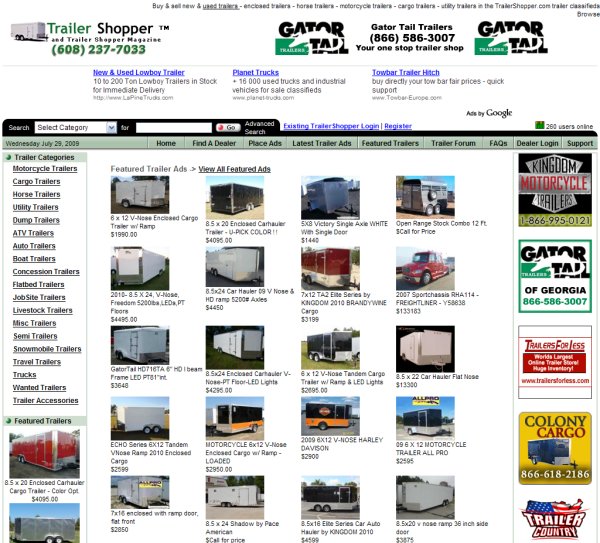
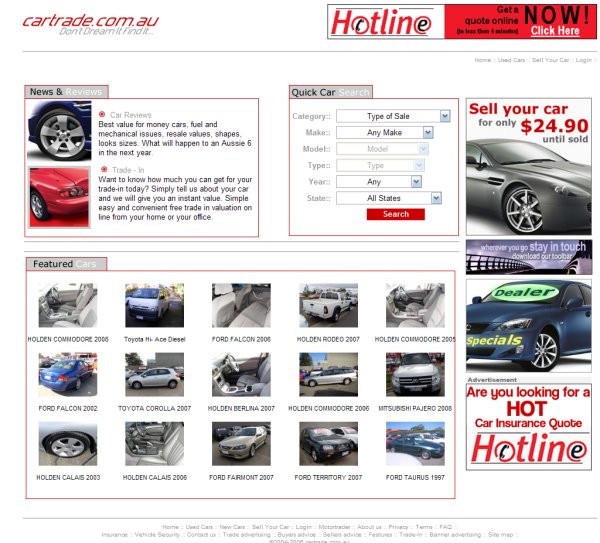
4. I like your demo. Is this how the software looks before any customization ?
A: After you install Esvon Classifieds on your server, the software will look exactly as the demo.
Back to Top
5. Can I integrate my existing ads/users table(s) with Esvon Classifieds ?
A: Yes, Esvon Classifieds is a very flexible software and made to be easy-to-use. Just define desired database fields in configuration file and make sure all necessary table for Esvon Classifieds are created. You can contact us for more details.
Back to Top
6. If I purchase one Esvon Classifieds package, can I set it up at more than one web site ?
A: No, this is not possible. You will need to purchase a license for each site you build with Esvon Classifieds. You'll get a discount on all Esvon Classifieds licenses purchased after the first one.
Back to Top
7. Are the licenses offered on a per domain or per server basis?
A: The licenses are offered on a per domain basis.
Back to Top
8. What does a 2nd license (for a different domain) cost? What does 3rd and more licenses cost?
A: You get $50 discount starting from the 2nd license.
Back to Top
9. I want to migrate from my existing script to Esvon Classifieds. Can you handle data conversion from my database to needed format ?
A: Yes, we provide such services. After some similar requests we made this process quite transparent and easy.
Back to Top
10. How do I install/configure the additional modules (AutoNotify, Zip code radius search and so on) ?
A: Admin Area -> Manage Modules -> Regenerate.
You can install/enable/disable modules there. Click "Help" next to desired module to read configuring instructions.
Back to Top
11. On the place ad (modify ad, advanced search) page, many of the fields are displaying as placeholders: Style ##ctl_f_style## instead of ad fields. What do I need to do to get them to display correctly?
A: Admin Area -> Fieldsets Options.
Select desired fieldset and check off Generate "Place Ad" ("Modify Ad", "Advanced Search") page option.
More information about this you can get in "docs/readme.txt" (see "2.2 Settings explained").
Back to Top
12. I have created a couple of categories of my own. How do I select which fields will be displayed for one of my custom categories.
A: Please read "docs/fieldsets.txt" to understand fieldsets creation process. To attach created fieldset to category:
Admin Area -> Manage Ads -> Modify Category and select desired fieldset in drop-down menu. We can handle fieldsets creation for you as well for certain fee, it depends on fieldset complexity.
Back to Top
13. During ad placing I get blank page (or not all price plans are shown). It displays the following text only: "You are going to place new ad. Please select payment plan matching your needs".
A: Admin Area -> General Setup -> "Enable category-specific price plans?" option. If you don't need category specific price plans check it off. If you check it on, you need to associate your price plans with categories here: Admin Area -> Price Plans -> Category-specific plans. Each category should have at least one price plan assigned there.
Back to Top
14. How can I upgrade to the new version ?
A: Please read "upgrades/readme.txt" file
Back to Top